Samsung Galaxy
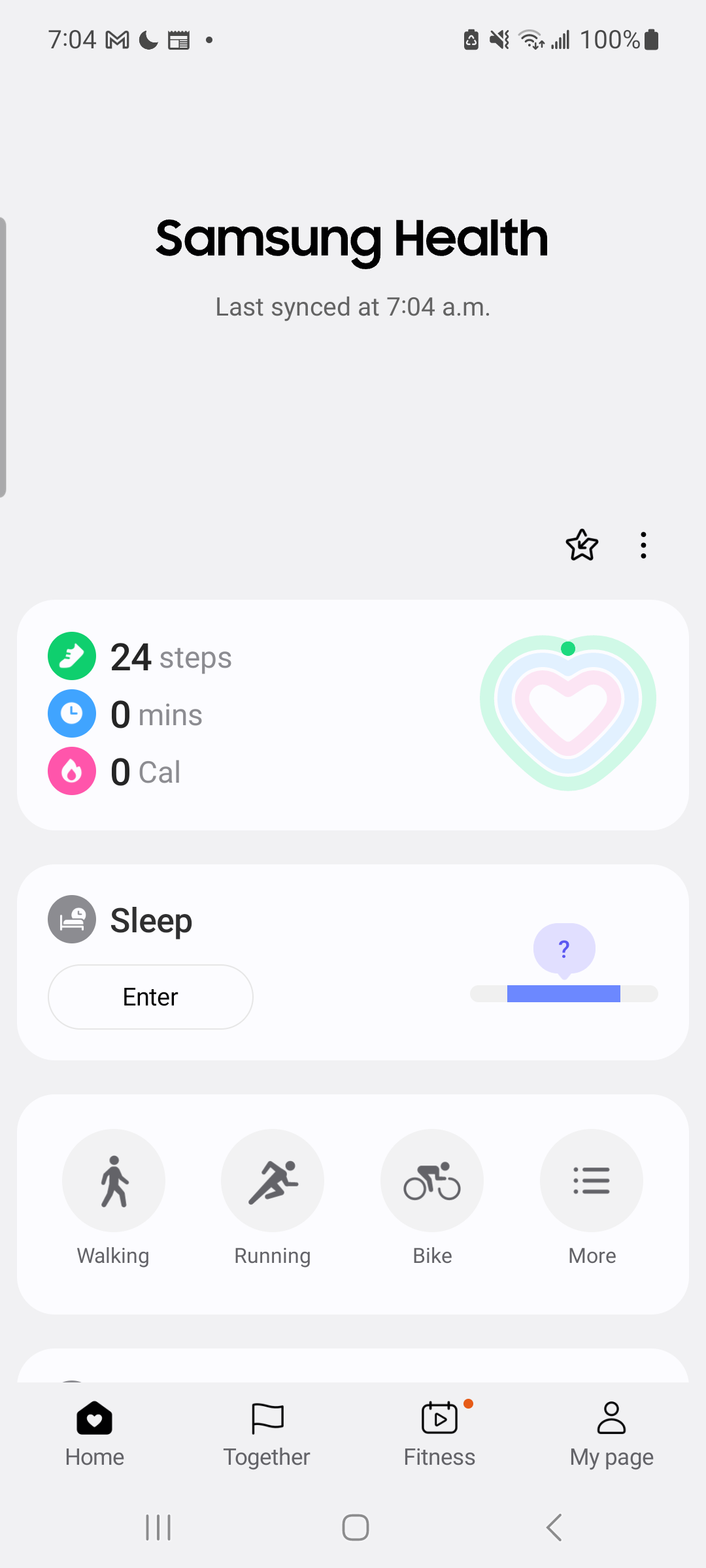
Samsung phones record your steps in Samsung Health. For those steps to reach The Ismaili app, Samsung Health needs to write them into Health Connect.
Set it up
- Open Samsung Health.
- Tap the menu (three lines, bottom right), then Settings.
- Tap Health Connect.
- Turn on Steps and Distance.
- Open The Ismaili app and go to ACTIVE.
- Tap Connect Health, and allow all three permissions — Steps, Distance and Active calories burned.
Two things that surprise people
Both of these are Samsung limitations. Neither means your setup is wrong, and neither is something we can fix from the app.
Galaxy Watch
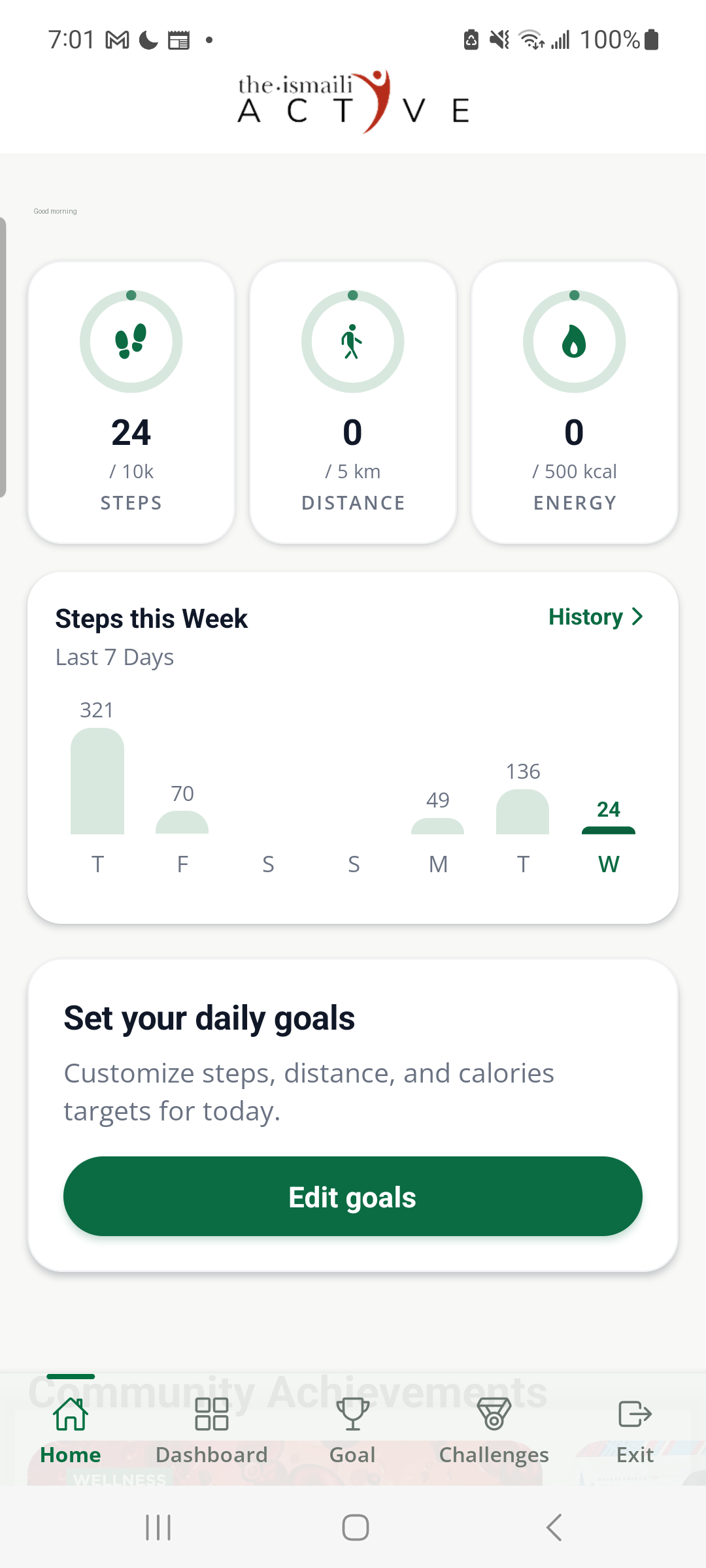
A Galaxy Watch records into Samsung Health on your phone, and Samsung Health passes it to Health Connect. So once the steps above are done, your watch data follows the same path with nothing extra to set up.
Make sure your watch has synced recently — open Samsung Health and pull down to refresh if the numbers look stale.
It still shows zero
- Check something is actually writing data: my dashboard shows zero
- Check background syncing has not been stopped: my steps stopped updating
- Or tell us what is happening